

Install
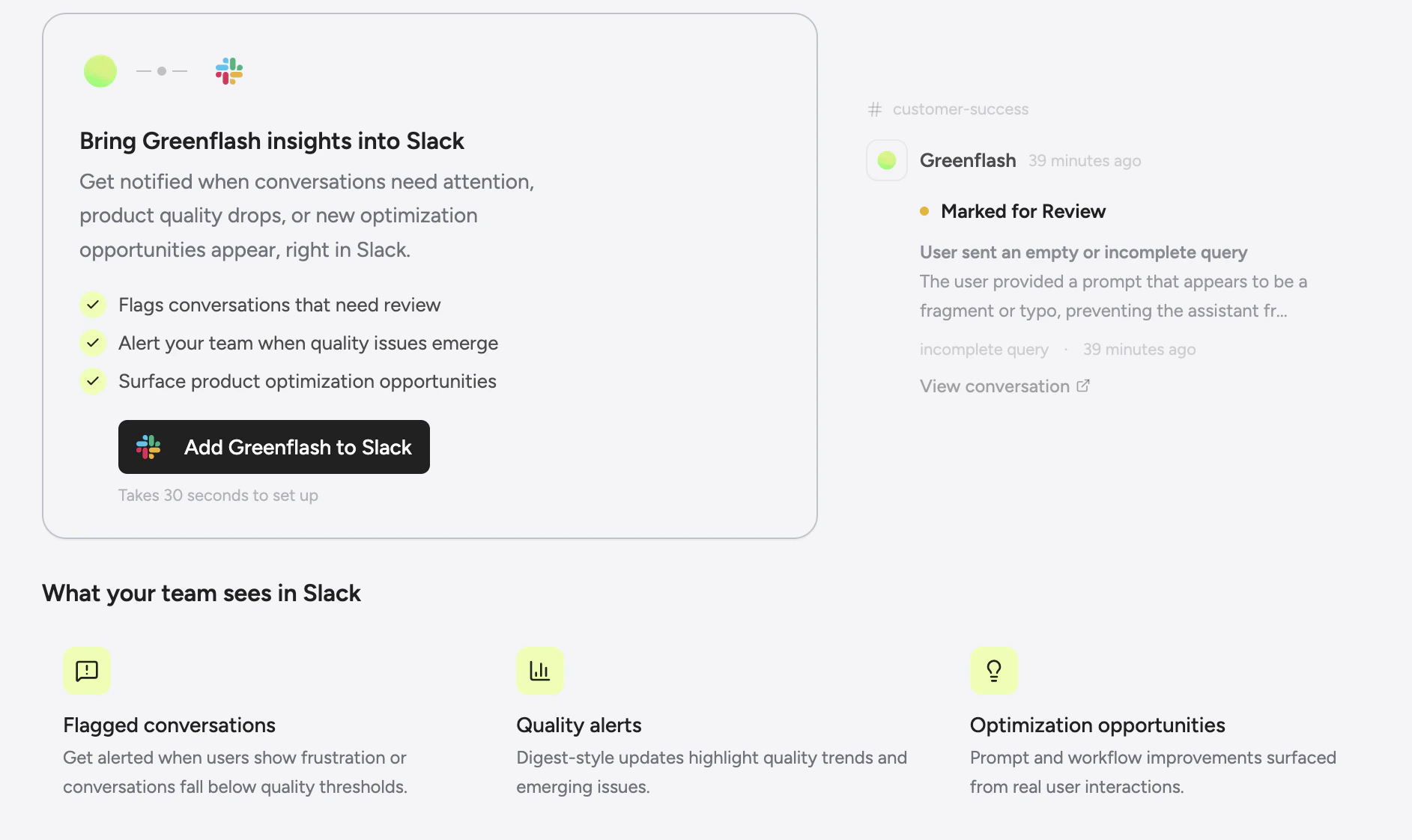
- Go to Settings > Developers > Slack in the Greenflash web app.
- Click Connect to Slack — this starts the OAuth flow.
- Authorize the app in your Slack workspace and pick a default channel.
Weekly summaries
Every Monday morning, Greenflash posts a full health digest to your channel. No setup beyond connecting — the summary is always enabled. The summary includes:
- Pillar scores — Satisfaction, Growth, Friction, and Safety with week-over-week deltas.
- Leverage insights — Which products are your biggest risks and rewards, with PQI trends.
- Highlights — Key insights and anomalies from the past week.
- Narrative — An AI-composed story connecting the data points into a coherent picture of how your AI products are performing.
- Metrics — Conversation counts, revenue attribution, and changes from the previous period.
overview.summary event and is available on all plans, including Free.
Real-time notifications
When something happens that needs attention, Greenflash sends it to Slack immediately. Notifications are grouped into a few categories:Inbox alerts
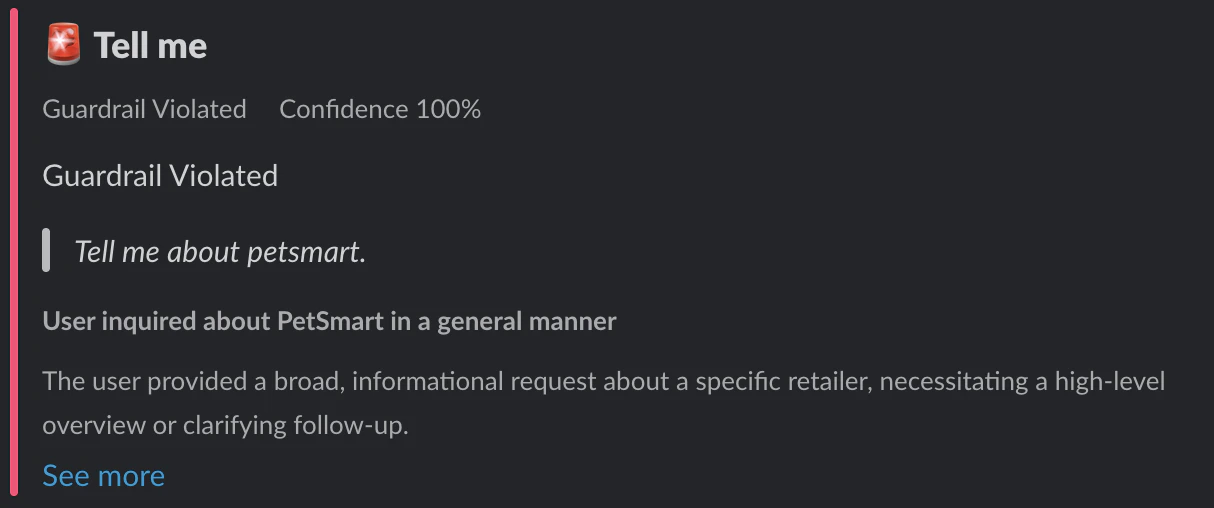
When Greenflash flags a conversation in your review inbox, the alert lands in Slack with severity, confidence, and a direct link.-
Novel patterns — A new topic or behavior pattern has been detected.

- Churn risk — A user interaction shows signs of dissatisfaction or potential churn.
Custom analysis events
Your custom analyses can trigger Slack notifications when they fire:-
Guardrail violations — A safety guardrail was tripped.
- Expectation failures — A defined expectation wasn’t met.
- Evidence found — A pattern you’re tracking was detected.
Conversation events
Get notified on conversation-level signals:- Quality index changes, sentiment shifts, frustration spikes
- New ratings, commercial intent signals
- Conversation started events
Interactive actions
Notifications aren’t just read-only. Each one includes interactive buttons:- Show Details — Opens a modal with the full conversation analysis and participant info.
- Flag for Review — Instantly creates a review item in your Greenflash inbox with an optional reason and comment. Your team can triage directly from Slack without opening the web app.
Chat with the agent
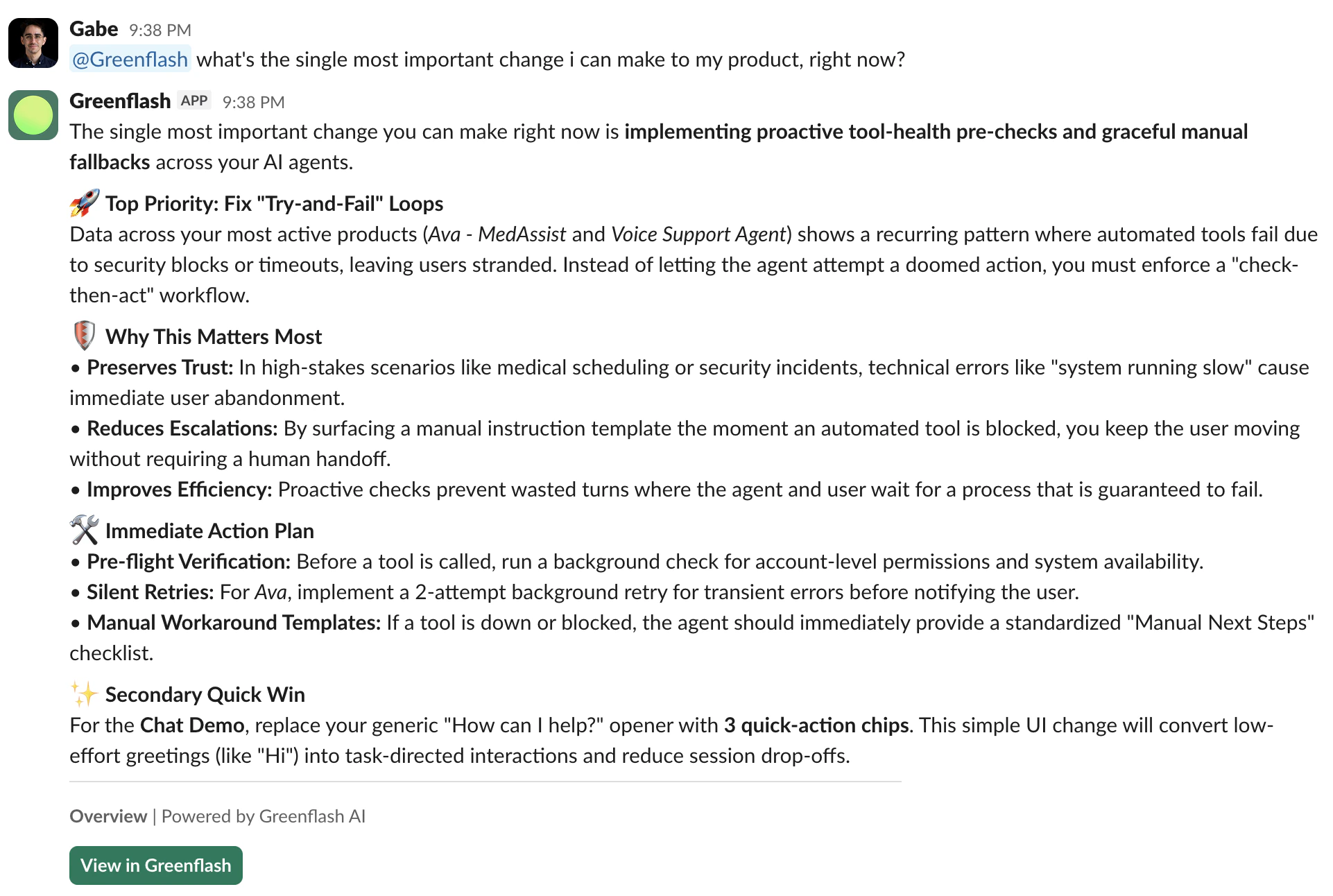
Mention @Greenflash in any channel or send a direct message, and the Greenflash agent responds with the same analytical capabilities as the web app agent. Ask it anything you’d ask in the dashboard:- “What’s the single most important change I can make to my product right now?”
- “Which users are churning this week?”
- “How is the support bot performing compared to last month?”
Channel routing
Different events can go to different channels. Send safety alerts to#incidents, product quality to #product, and review flags to #support.
To configure routing:
- Go to Settings > Developers > Slack.
- Add a channel and select which event types should be delivered there.
- Optionally scope subscriptions to a specific product — so only alerts from your checkout bot go to
#checkout-team. - Custom analysis events can also be scoped to a specific analysis spec.
Plan limits
| Feature | Free | Growth | Enterprise |
|---|---|---|---|
| Weekly summary | Included | Included | Included |
| Inbox notifications | 1 per day | Unlimited | Unlimited |
| Custom analysis events | — | Unlimited | Unlimited |
| Conversation events | — | Unlimited | Unlimited |
| Channels | 1 | Multiple | Multiple |
| Agent chat | — | Included | Included |
Next steps
Greenflash Agent
Learn more about the AI agent that powers Slack chat, the web app, and coding agents.
Webhooks
Send the same events to your own HTTP endpoints for custom integrations.
Custom Analyses
Define the guardrails and expectations that trigger Slack notifications.
Workflow Integrations
Connect Greenflash to n8n, Zapier, and other automation tools.